

Overview Video
Watch this overview video to learn how to gain developer access, navigate to the API Explorer, and start your first query & mutation.Granting Developer Permissions
The GraphQL API is considered a developer access feature. Developer access is derived from your account role: Account Admin and Account Member grant it by default, Account Annotator does not. An Account Admin can override the flag for an individual user in Account Settings or viaPATCH /v2/users/{user_id} in the REST API.
Losing developer access — whether from a role change or an Account Admin revoking it — deletes that user’s existing API keys, including any legacy GraphQL API keys still in use.
The Arize GraphQL API is available to enterprise-grade customers. To upgrade your account contact support@arize.com
Accessing the API Explorer
The API explorer is an interactive editor to make API queries. To access the API explorer from any page, enable Developer Access. Navigate to the ’<>’ button on the bottom left of your screen to easily enter the API explorer.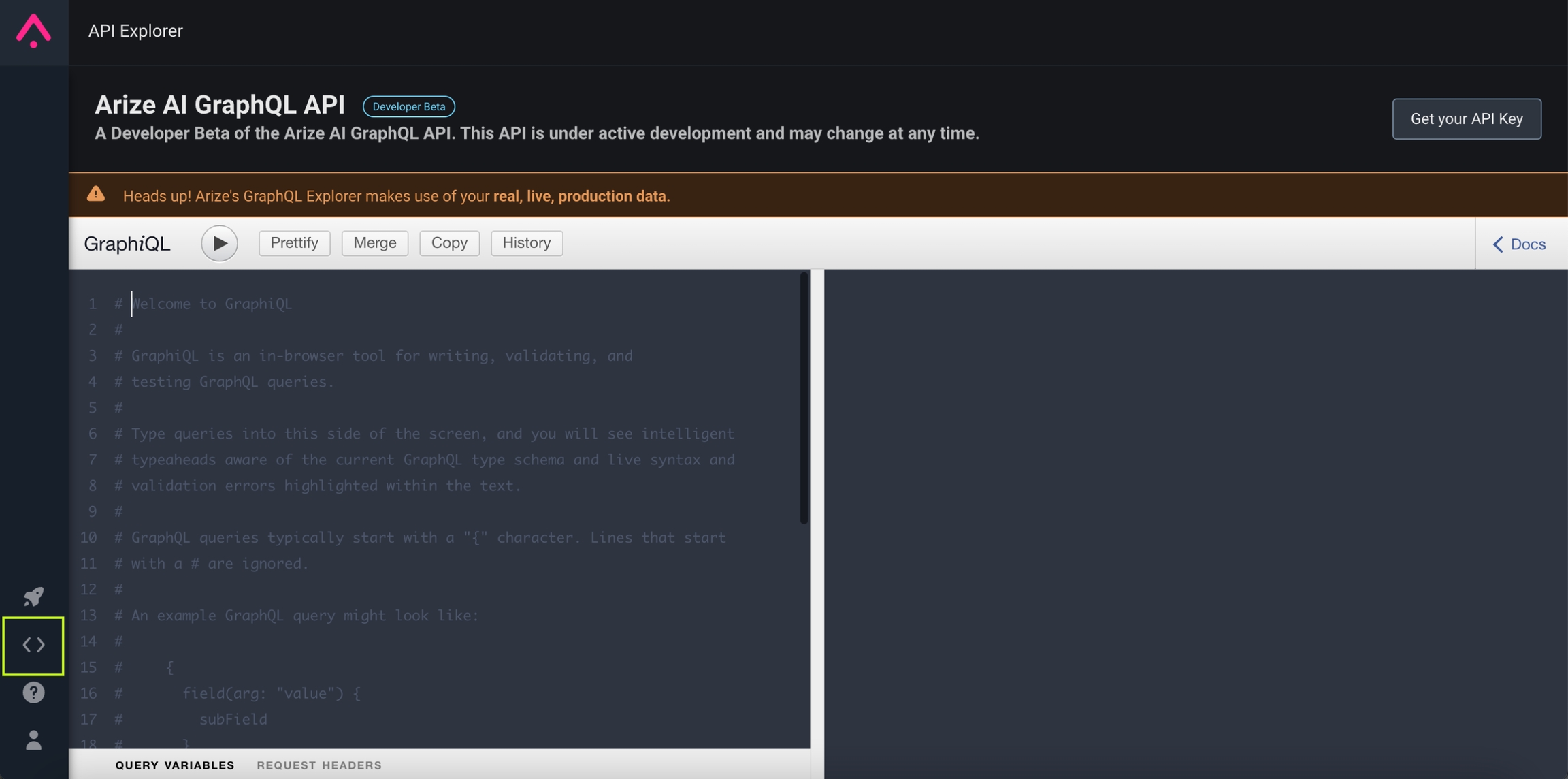
Helpful Shortcuts:
- ⌘- Click - Open live documentation
- ⌘- Space - Open a list of all fields on an object
- ⌘ - Return - Run query
- ⌘ - Shift - P - Format query
Access the API Key
Use a User or Service key to make API queries with other tools such as cURL, Postman, and client libraries for various programming languages. Get your API keys from the settings page.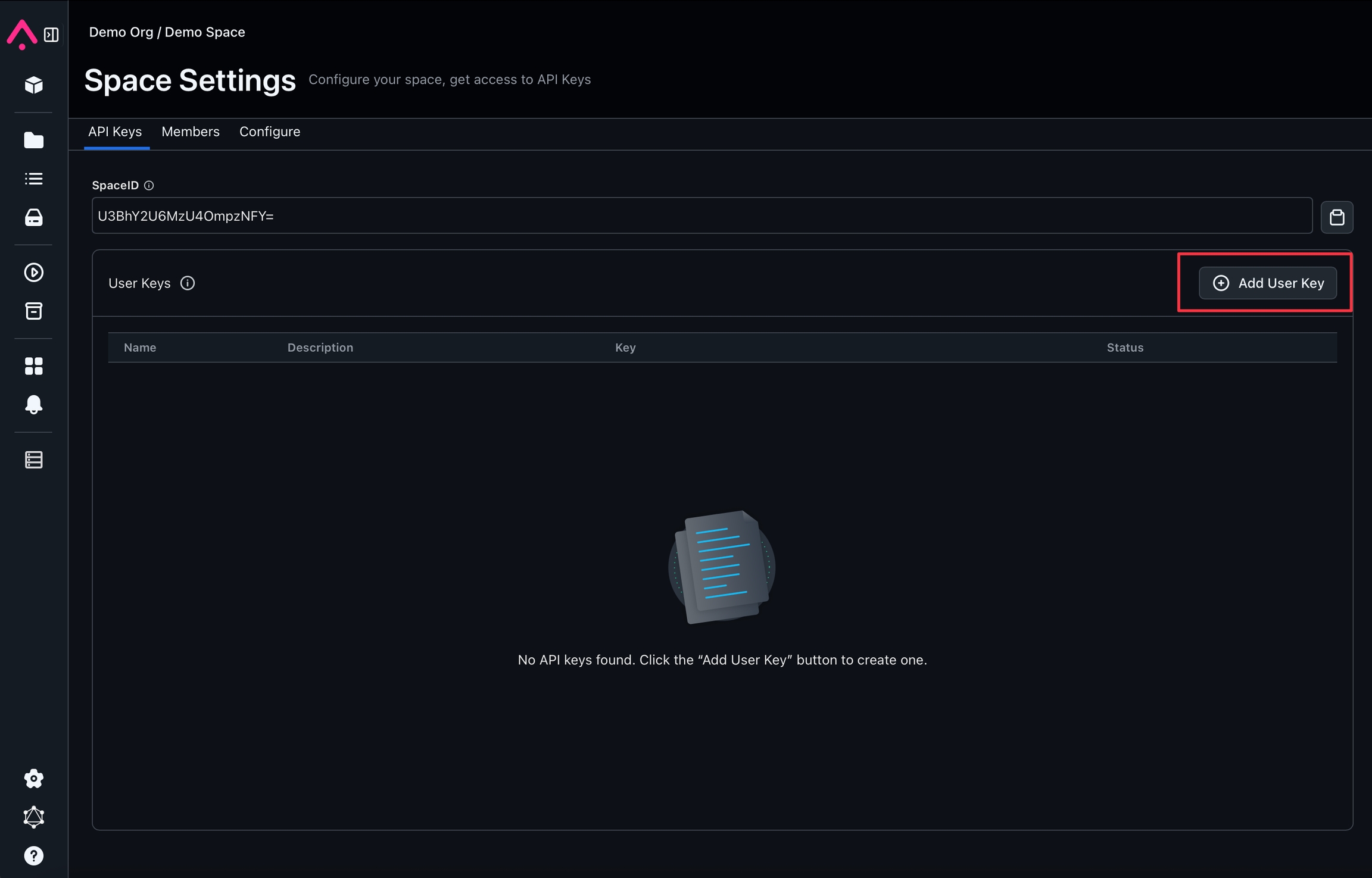
Having trouble? Reach out to us via email support@arize.com or Slack us in the #arize-support channel for more support.