Learn what prompts are, how to build, test, improve, and save versioned prompts in Arize AX’s Prompt Hub.
In Arize, a prompt is managed as a Prompt Object — messages, model settings, tools/functions, and response format together as one versioned artifact. For the conceptual breakdown of what’s in a Prompt Object and why everything travels together, see The Prompt Object.
Let Alyx build it for you. Press Cmd+L (macOS) or Ctrl+L (Windows/Linux) to open Alyx and try: “Create three prompt variations to compare”
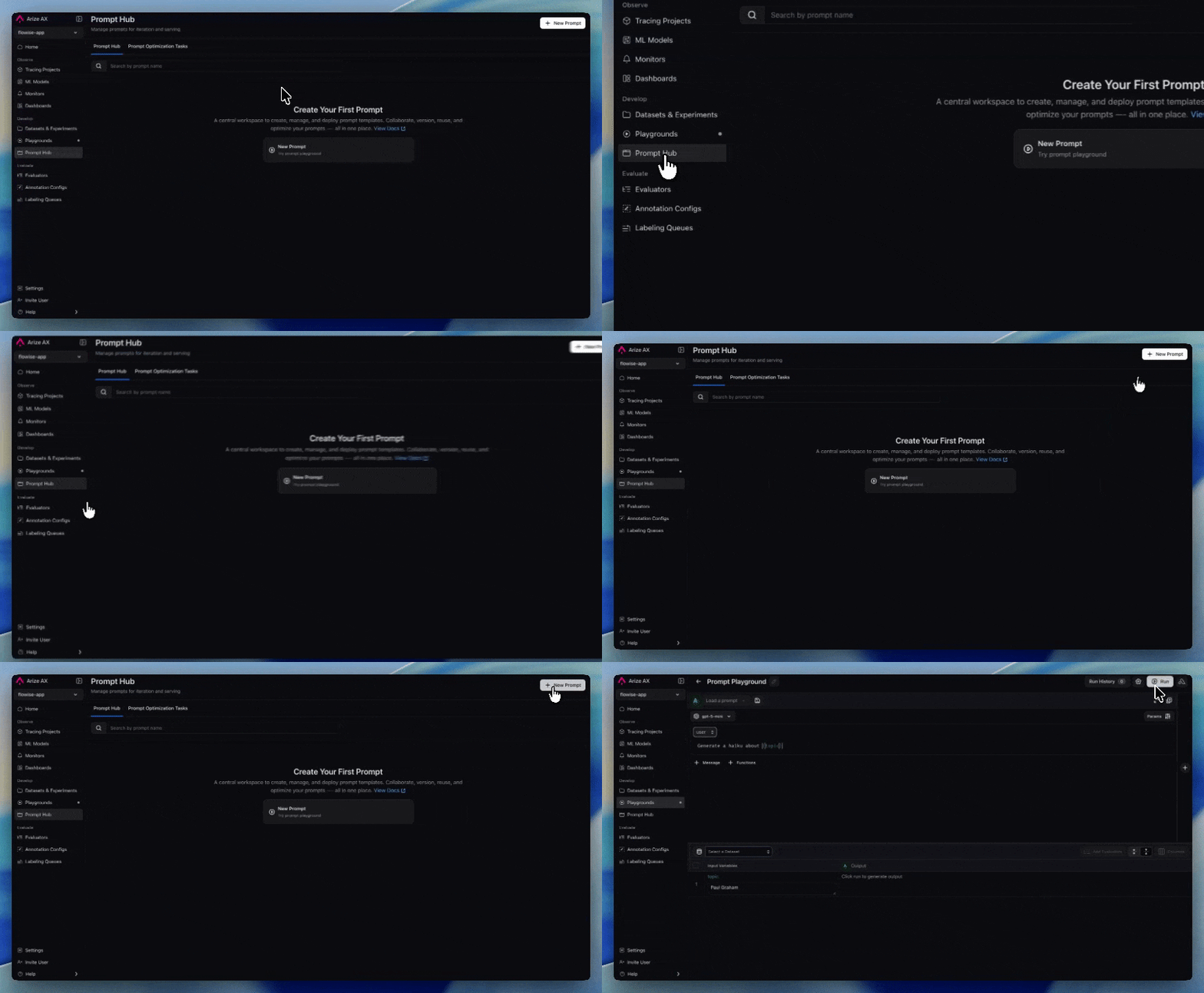
Navigate to Playgrounds and click New Playground to create a new playground. You can also start from the home page, and Alyx will create a playground for you.
2
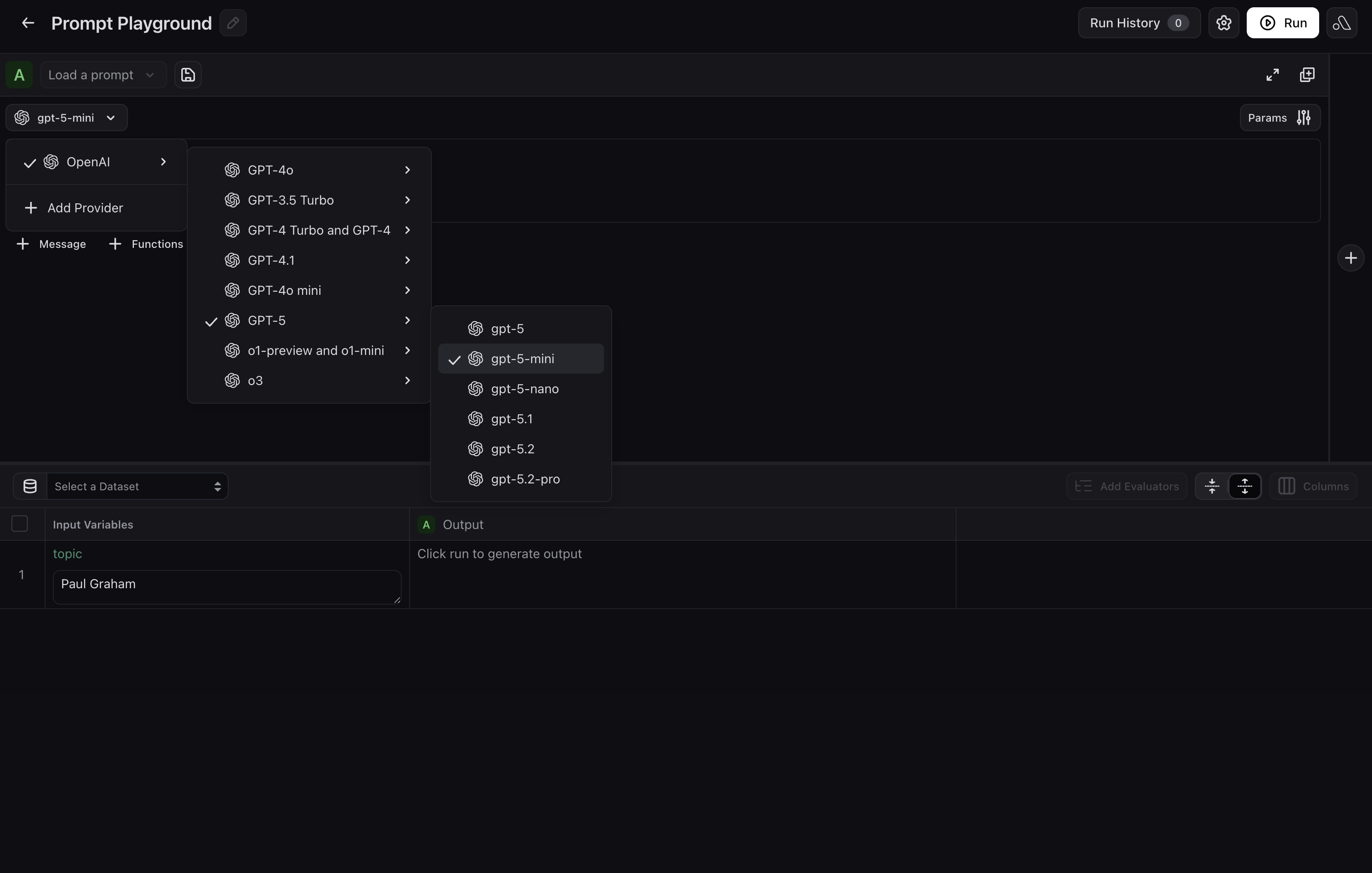
Choose a provider or model
If you have not already added one, select your LLM provider and model in the Playground before you draft or run. Options include OpenAI, Azure, Vertex AI, AWS Bedrock, and others.
Choose provider and model in the Playground
3
Draft and refine your prompt with Alyx
Describe your use case in plain language in the Alyx panel on the right. Include details about what your prompt should capture, desired output format, tone, length, etc. Alyx will wire them in automatically.For example, you could say:
Create a prompt for a customer support agent that handles returns and escalations. Use {customer_input} and {order_id} as variables.
Give feedback on Alyx’s drafts and keep iterating until you are satisfied with the prompt.
Use Alyx in the Prompt Playground to draft prompts
4
Try the prompt in the Playground
If you added a dataset or test cases, run the prompt over rows to check outputs. If you skipped that step, exercise the prompt with manual inputs or keep iterating with Alyx. For a fuller testing workflow, see Test a prompt.
1
Create a new playground
Navigate to Playgrounds and click New Playground to create a new playground.
2
Choose provider and model
Select your LLM provider and model from OpenAI, Azure, Vertex AI, AWS Bedrock, and others.
Choose provider and model in the Playground
3
Add prompt messages
Add any system, user, or assistant messages. Use curly braces around names (for example, {destination}) for template variables filled dynamically at run time.
Define system and user messages with template variables
4
Add function calling (optional)
Click Functions and paste tool definitions as JSON. Function descriptions must be in JSON format. To add multiple functions, add entries to the JSON list with the proper attributes. Set Function Selection to give the model instructions on when to invoke each function.
Configure tools and function calling in the Playground
5
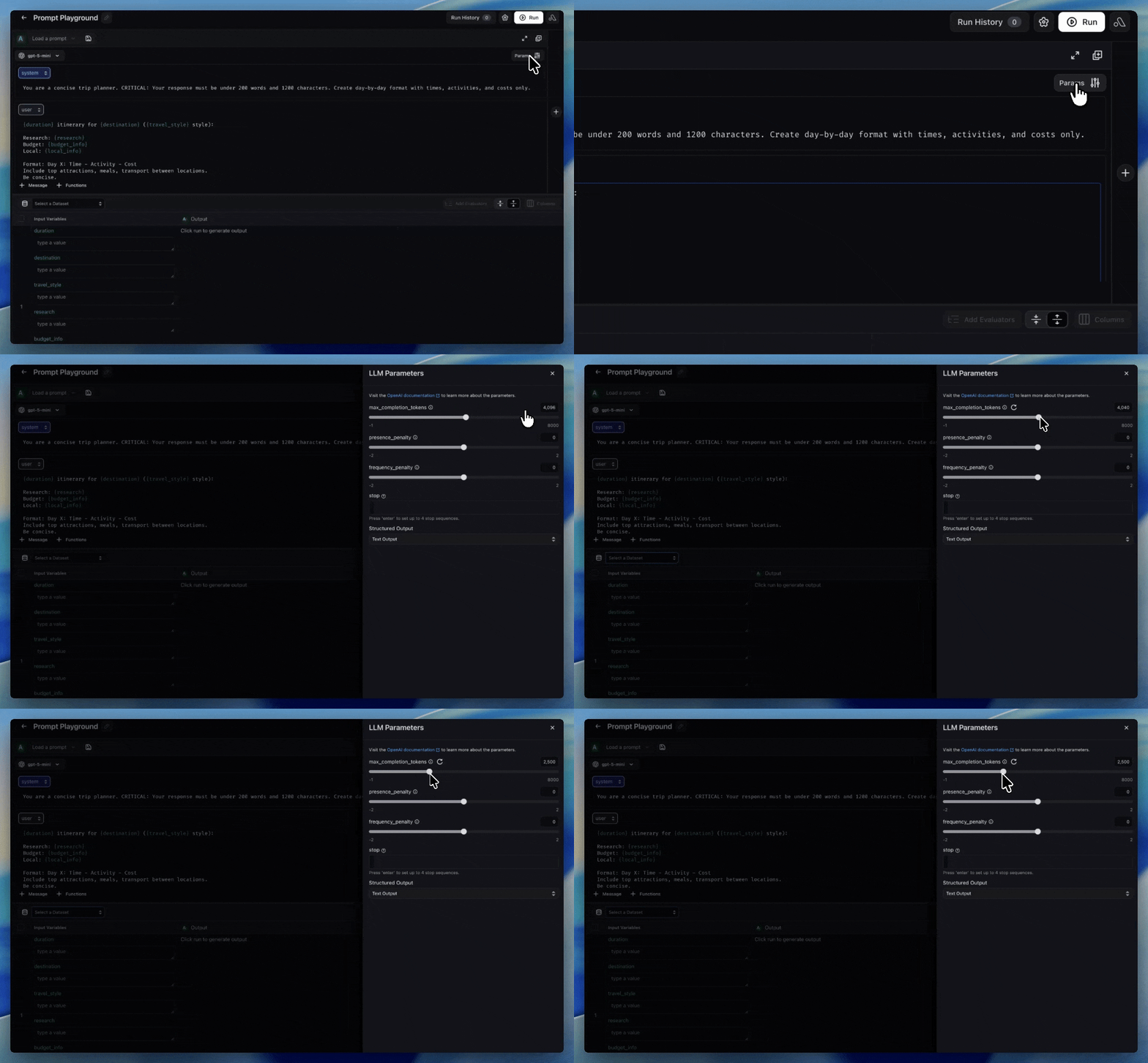
Set invocation parameters
Click Params to configure temperature, max completion tokens, frequency penalty, and more. Different LLM providers expose different hyperparameters that affect the output.
Invocation parameters in the Playground
Create a prompt and initial version from code. Use the reference for your stack:
Python SDK
TypeScript SDK
CLI
Full options (providers, invocation params, tools): Create a Prompt in the Python v8 Prompts API.
from arize.prompts.types import InputVariableFormat, LlmProvider, LLMMessage, MessageRoleprompt = client.prompts.create( space="your-space-name-or-id", name="customer-support-agent", description="Handles returns and escalations", commit_message="Initial version", input_variable_format=InputVariableFormat.F_STRING, provider=LlmProvider.OPEN_AI, model="gpt-4o", messages=[ LLMMessage(role=MessageRole.SYSTEM, content="You are a support agent for {company}."), LLMMessage(role=MessageRole.USER, content="{ticket_text}"), ],)print(prompt.id, prompt.name)
Full options: Create a Prompt in the TypeScript Prompts API.
import { createPrompt } from "@arizeai/ax-client";const prompt = await createPrompt({ space: "my-space", name: "customer-support", description: "Handles returns and escalations", version: { commitMessage: "Initial version", inputVariableFormat: "f_string", provider: "openAI", model: "gpt-4o", messages: [ { role: "system", content: "You are a support agent for {company_name}." }, { role: "user", content: "{ticket_text}" }, ], },});
Flags and message JSON shape: ax prompts create in the CLI reference.
ax prompts create \
  --name "customer-support-agent" \
  --space sp_abc123 \
  --provider openAI \
  --input-variable-format f_string \
  --messages '[{"role":"system","content":"You are a support agent for {company}."},{"role":"user","content":"{ticket_text}"}]' \
  --model gpt-4o \
  --description "Handles returns and escalations" \
  --commit-message "Initial version"
When a variant wins, save it to Prompt Hub so your team can track and deploy it safely.
Prompt Hub: prompts list, versions, and labels
By Alyx
By UI
By Code
In the Prompt Playground, you can ask Alyx to persist the prompt you have been editing, for example:
Save this prompt to Prompt Hub as support-agent-v2 with a description that we tightened escalation rules.
Alyx can help you refine messages, parameters, and tools first; when you are ready, ask it to save (or click Save Prompt yourself) so a new immutable version is written to Prompt Hub with the name, description, and tags you want.
1
Save from the Playground
Click Save Prompt in the Playground to store the current state (messages, parameters, tools, and response format) as a new immutable version in Prompt Hub.
2
Browse and compare versions
Open Prompt Hub to compare versions, review diffs, and track what changed over time.
3
Tag production
Tag the winning version as Production (or your deployment label) so your app resolves the approved prompt at runtime.